
In brief: In PIM, data modelling is the process of defining the product data model: categories, classes, attributes, values, variants and relationships. It is the most demanding part of any PIM implementation in terms of domain expertise, requiring experience in data modelling and a sound knowledge of the products.
Creating a product data model can be a laborious task. The more different types of products you have, the more work is needed before you can actually start entering data.
The challenge is that creating an efficient, well-structured product data model requires considerable experience in data modelling. It also requires industry and product knowledge. Both areas of expertise are rarely found in one person.
We therefore recommend that clients take the following (simplified) approach:
Attribute enrichment can also address channel-specific requirements, for example for a website:
Likewise, attribute-specific enrichment (i.e. whether or not an attribute should be displayed) can be carried out for other channels, such as print or mobile.
The same information could be entered three times. However, this means a lot of duplicated effort (in fact, triplicated effort). And if, for example, the product description or ingredients change, the information has to be updated three times. This not only creates extra work but is also prone to errors and goes against the principle of a PIM system, where each piece of information is stored only once.
Here, too, the PIM administrator may decide to move the “product name” to product level. In retail, you might want to refer to the product as a “1,0 l Bluna bottle”. However, this can also be achieved by displaying the value “1,0” first, then the unit “l”, followed by the product name “Bluna bottle”. The administrator may even decide to create a separate attribute called “Container” with the value “Bottle”.
The example above is, of course, quite simple. However, if you have a T-shirt in six sizes and ten colours, distinguishing between the product and its variants becomes much more interesting for several reasons:
From the customer’s perspective, would it make more sense to see the attribute as a selection option (a drop-down field in our example) on a website’s product detail page? If so, the attribute should be a variant-defining attribute.
Common mistakes include too many free-text fields instead of predefined value lists, attributes without clear definitions, duplicate attributes with different names, and overlapping category trees. These issues often only become apparent when filters in the online shop do not work or exports to retailers fail. Fixing them later is expensive because thousands of products have already been populated with data.
How well is your product data set up?
Our vendor-independent assessment evaluates your data model, governance, processes and systems to show how ready you are for PIM and AI.
Or complete the PIM checklist first.
PIM KNOWLEDGE

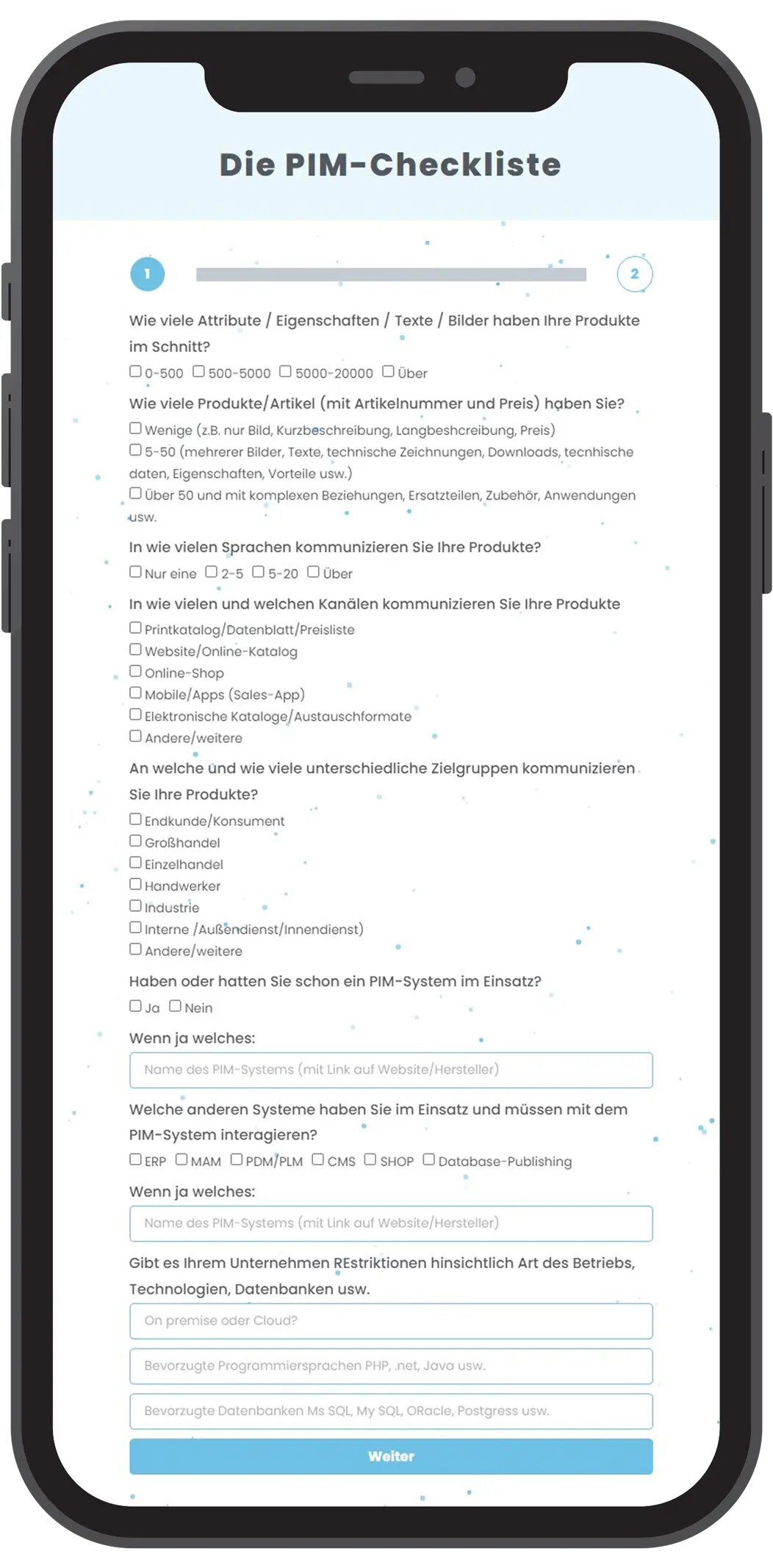
Find out in 3 minutes whether a PIM system could benefit your business and which PIM systems could be right for you!
Webdesign: Deutsche Stadtmarketing