PIM, MDM or PXM: The Difference

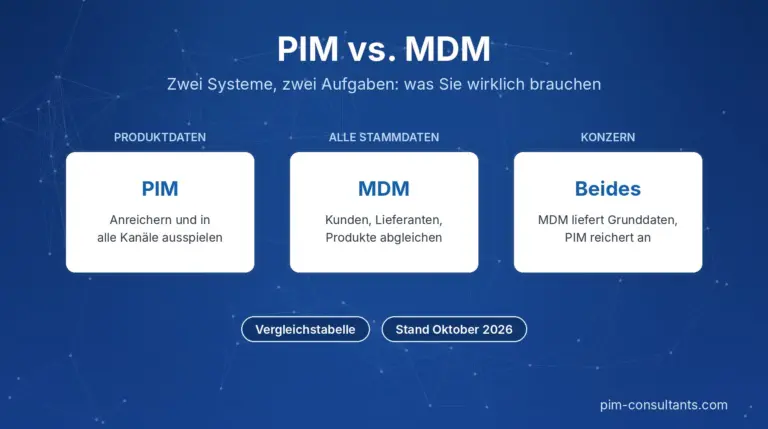
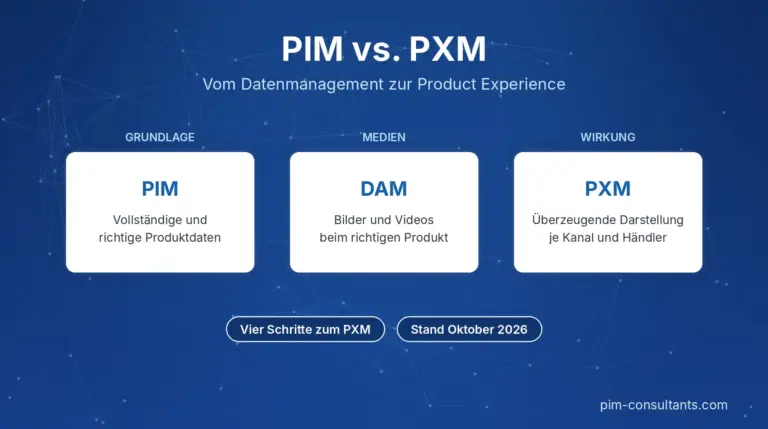
In short: PIM, MDM and PXM serve different purposes. Master Data Management (MDM) keeps a company’s master data consistent across multiple systems and domains, such as customers, suppliers, materials and products. Product Information Management (PIM) manages product information for marketing and sales and delivers it to all channels. Product Experience Management (PXM) builds on this, focusing on how products are presented and perceived in each channel. Many companies need a PIM system first; MDM becomes important when multiple data domains and ERP systems come together.

PIM, MDM and PXM compared

AspectMDMPIMPXM
ScopeMaster data across multiple domains: customers, suppliers, materials, locations, productsProduct information: attributes, copy, images, documents, translationsProduct presentation by channel and target audience
GoalA reliable data record (“Golden Record”) for all systemsComplete, accurate product data for all channelsContent that engages and sells in each channel
Typical featuresDuplicate detection, matching, data governance, data quality rulesData model, variants, classification, workflows, translation, channel syndicationChannel-specific copy, syndication to retailers, digital shelf analytics
Main usersIT, data management, procurement, financeProduct management, e-commerce, marketingE-commerce, marketing, key account management
Typical triggerMultiple ERP systems, acquisitions, conflicting master dataThe same product data needed across multiple channels and languagesSelling through retailers and marketplaces, competition on the digital shelf

Which do you need, and when?

  • PIM, when product data is maintained in multiple places and needs to feed your online store, catalogue, marketplaces and data sheets. This is the most common starting point.
  • MDM, when data on not just products, but also customers, suppliers or materials needs to be cleansed and reconciled across multiple systems, typically in corporate groups with several ERP systems.
  • PXM features, when your product data is in place and the focus shifts to how products are presented by retailers and on marketplaces, and whether the content reaches those channels as intended.

How the three work together

In many companies, the ERP remains the system of record for commercial data such as item numbers, prices and stock levels. An MDM system reconciles this master data across systems and legal entities. The PIM system imports the items, enriches them with attributes, copy, images and translations, and syndicates them to the channels. Finally, PXM features control which content appears in which channel and check how it is displayed there. Clear rules defining which system is the system of record for each field are essential.

What vendors mean by these terms

The terms overlap in the market. Many PIM vendors now market their systems as PXM platforms, and some MDM vendors offer their own PIM module. According to the PIM-Consultants directory, 38 out of 186 PIM vendors also offer an MDM module, and 26 offer a Product Experience Management module (as of November 2026). When selecting a system, what matters is not the label but the features you actually need. You can find systems with an MDM or PXM module in the PIM vendor overview.

Frequently asked questions

What is the difference between PIM and MDM?

MDM keeps master data from multiple domains, such as customers, suppliers and products, consistent across multiple systems. PIM focuses on product information for marketing and sales and delivers it to online stores, marketplaces and catalogues.

What is the difference between PIM and PXM?

PIM ensures that product information is complete and accurate. PXM builds on this and manages how products are presented in each channel, for example through channel-specific copy and digital shelf analytics.

Do I need both PIM and MDM?

Not always. For most mid-sized manufacturers and retailers, a PIM system connected to the ERP is sufficient. An MDM system is worthwhile when multiple ERP systems or legal entities use the same master data and conflicting data becomes a problem.

Is PXM a standalone system?

Rarely. PXM features are usually part of a PIM system or added through syndication and digital shelf tools.

See also

How well is your product data set up?

Our vendor-independent assessment evaluates your data model, governance, processes and systems, showing how ready you are for PIM and AI.

Request an assessment

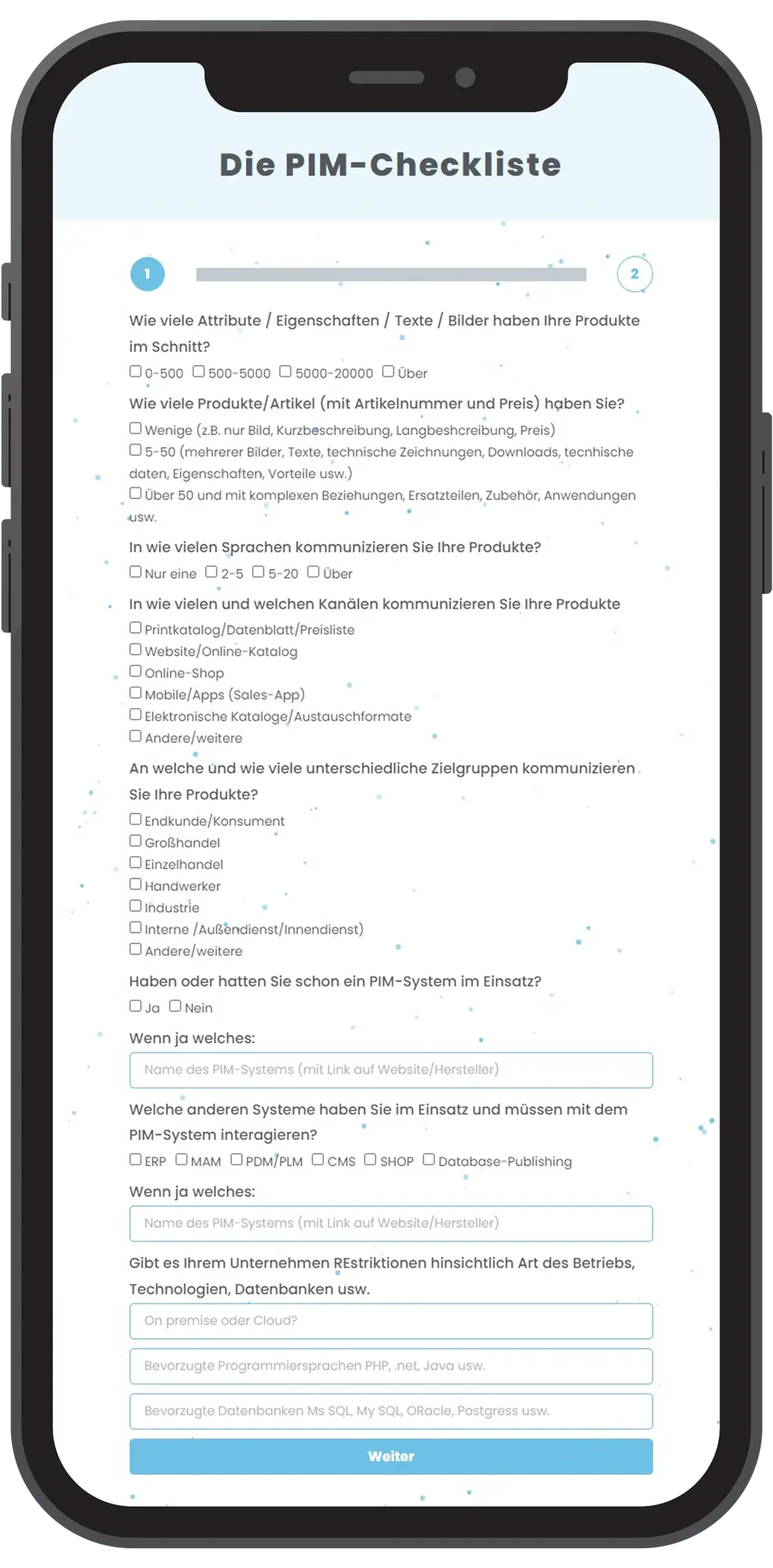
Or complete the PIM checklist first.

PIM KNOWLEDGE

News & Blog

Have any questions?

We're happy to advise you.

Wait! Have you seen our PIM checklist?

Find out in 3 minutes whether a PIM system could benefit your business and which PIM systems could be right for you!

Webdesign: Deutsche Stadtmarketing